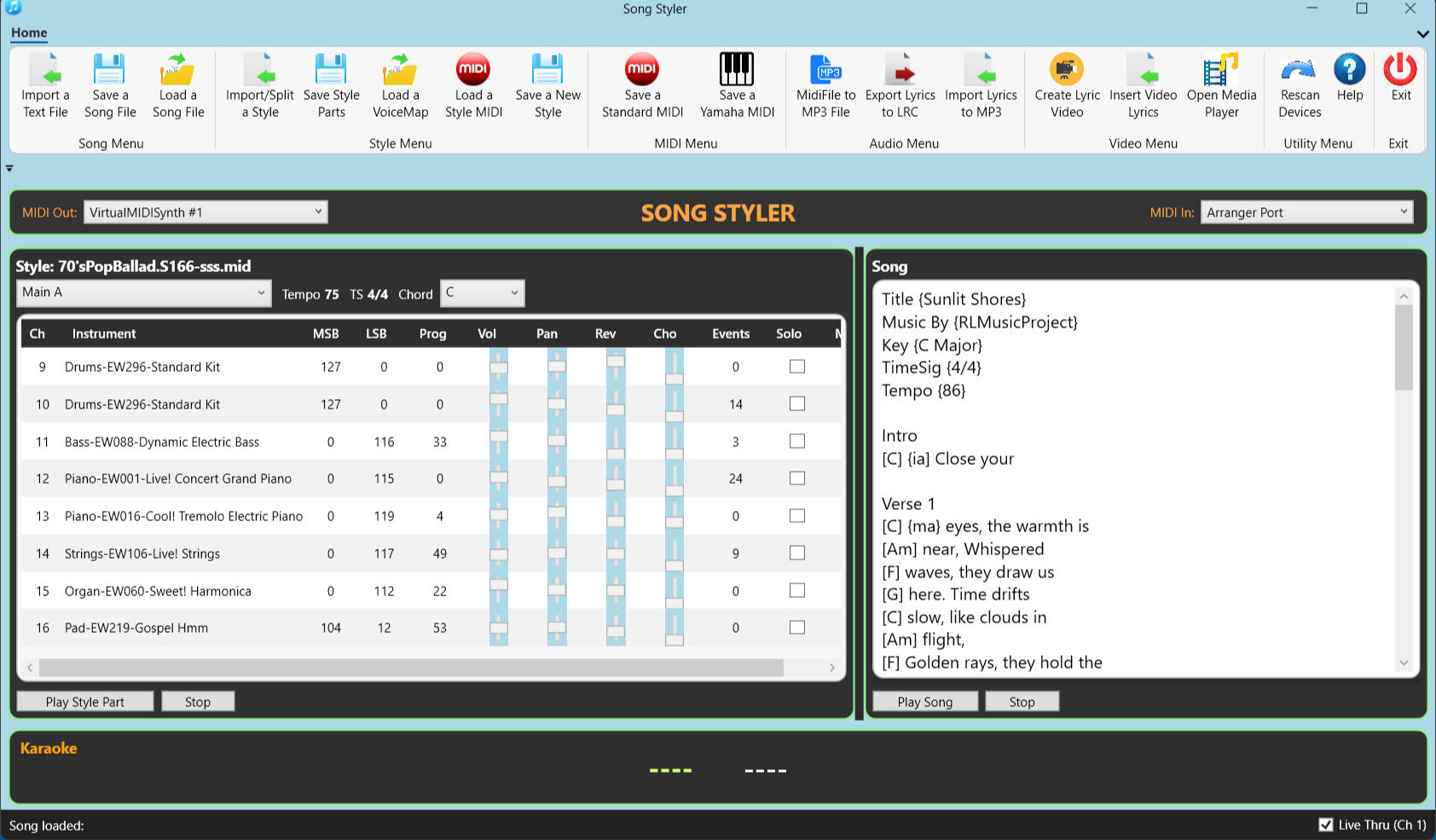
Unlock Your Arranger Keyboard's True Potential
Create professional midi and audio backing tracks, custom styles, and high-quality lyric videos—all using the gear you already own. No subscriptions. No monthly fees.EMAIL: [email protected]
Create a Backing Track From Song Text
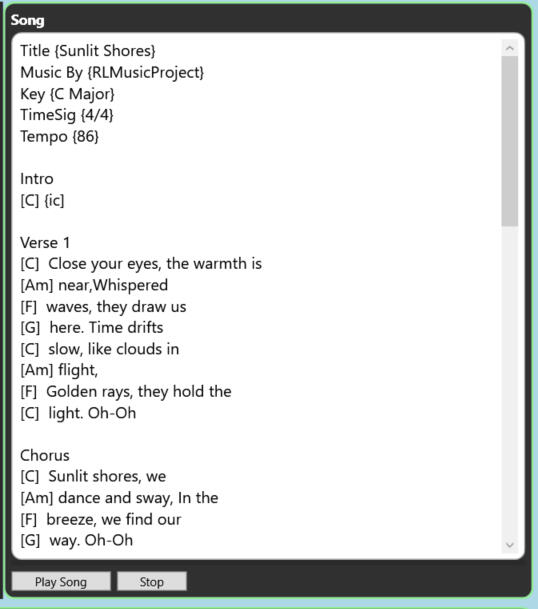
- The Song Menu is the creative engine of SongStyler. You don't need to be a MIDI expert to create a professional arrangement — you just need your lyrics and your chords.- The Text-Based Workflow: Simply Import or type your chords and lyrics into the song textbox. SongStyler interprets your text and builds a professional backing track in seconds.- There are simple rules that determine the way Songstyler will create the backing track. These rules are described fully in the comprehensive help file packaged with the product.- Live Preview: Add a Yamaha keyboard style and listen to your song immediately. Edit a chord or change a line, and the arrangement updates instantly.
Edit and Transform any Yamaha Style
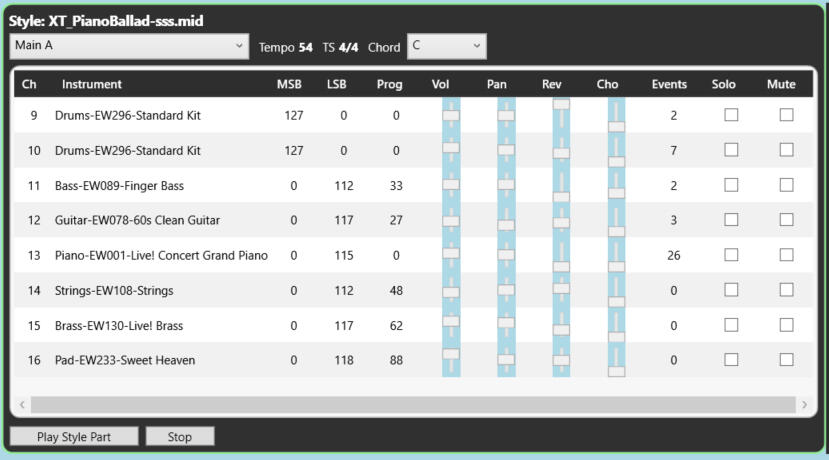
- Take total control over your keyboard's accompaniment. Whether you're using a Yamaha E-series, SX-series Tyros or Genos, SongStyler makes the transition seamless.- The Universal Translator: Our Voicemap technology is the bridge that ensures styles sound perfect on your specific hardware.- Intelligent Re-Voicing: Swap the keyboard voices in a selected style for equivalent voices in your keyboard creating a personal style.- Precision Channel Management: Mute 2 channels and save the style as a 100% compatible style for an E-Series keyboard.- Create genuine Yamaha styles for keyboards like the E-series using an 6-channel edited style and Yamaha's free software - "MIDI Song to Style"
Create MIDI files with Lyrics
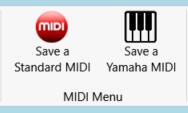
- Generate a standard midi file of your song that can be loaded into your keyboard or will play with any midi file player to your keyboard.- Generate a special midi file with System Exclusive (sysex) messages that will control any style loaded on an advanced Yamaha arranger keyboard, leaving the user free to play along or sing. This excludes all E-series keyboards, which do not read such sysex messages.
Create MP3 Audio Files With Lyrics
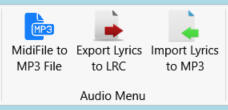
- Generate an MP3 file directly from a midi file of your song.- Export the song lyrics into time-stamped lyric files (.LRC)- Import those lyrics directly into the MP3 File to use in high-end Yamaha keyboards (e.g. Genos) as backing tracks, with lyrics visible on the Genos screen or visible on an external screen.
Create Lyric Videos
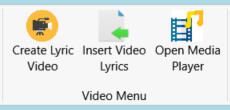
- Use Pictures/Photos or backgrounds for your video.- Create an MP3 file for your song.- Export the lyrics for your song to a lyrics file (.LRC).- Create a video from the pictures and MP3 file.- Insert the the lyrics into your video using the .LRC file.- Play the video with the built-in media player.
How to Get SongStyler
Experience the full power of SongStyler. Whether you want to test the waters with our free trial or unlock the complete suite for your studio, getting started is simple.- Get a Free 14-Day Trial: Explore every menu and feature. The trial version is fully functional, allowing you to test the Song Editor and Style Transformer with your specific keyboard before you buy.- Get the Full Version: A one-time modest payment unlocks SongStyler forever. No subscriptions, no hidden fees - all the tools you need to make great music and videos.- Trial version - Email Me: [email protected]- Full Version (Alternate method) Use PayPal - paypal.me/GSRC